NIKKE Mod Manager
Introduction
The Nikke Mod Manager (NMM) is a tool that can apply modded files in-game. Currently there are 3 variants: the original one created by Danieru, another one created by Na0h and the most recent one created by Chizuru.
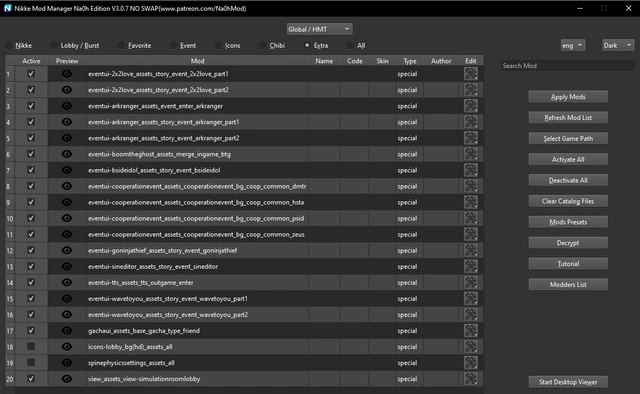
🔥 Na0h's NMM
A more advanced variant of NMM created by the modder Na0h: it has a paid version for Patreon supporters with more features and support than og NMM, and a free version that includes most of functions from the paid version. This NMM uses Danieru server, and the paid version uses both Danieru server and Na0h own server to apply mods.
Advanced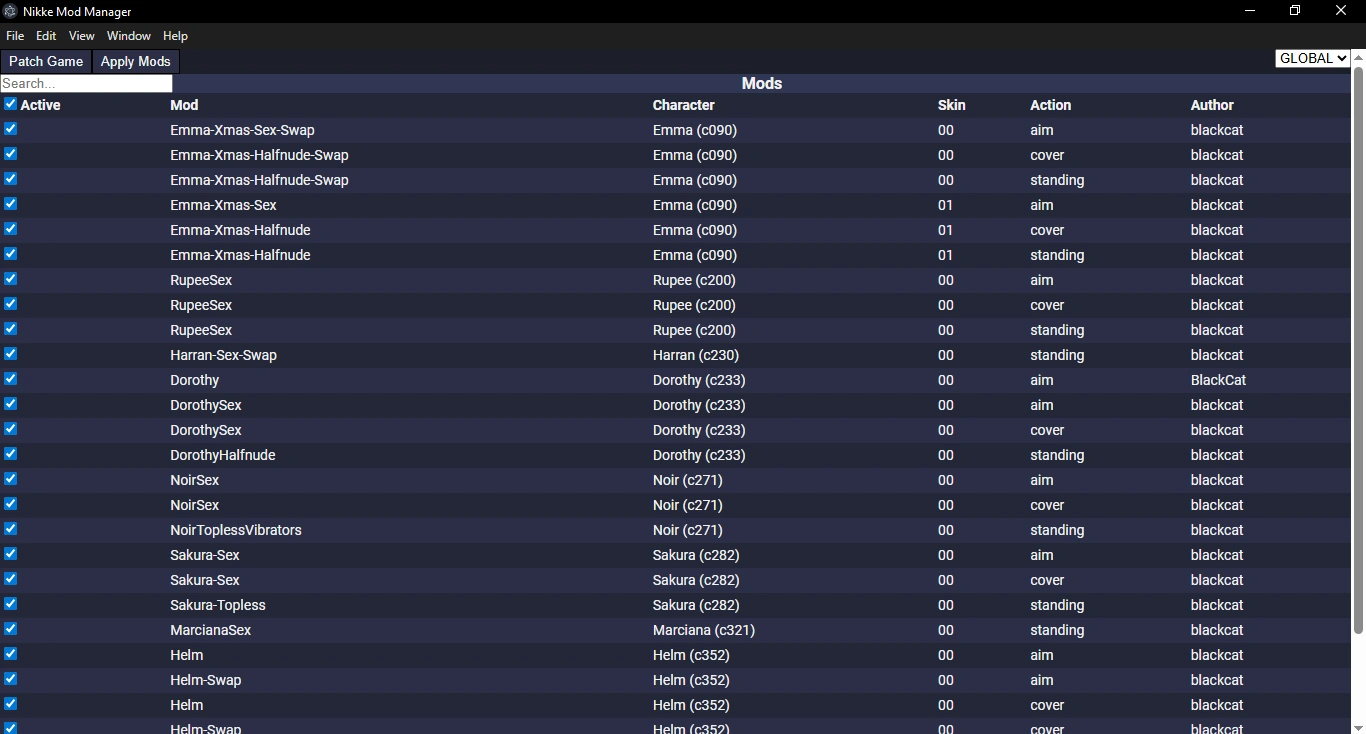
🔥 Danieru's NMM
The og Nikke Mod Manager: it has less functions than other variants of NMM but it's free and it works with the og server (Danieru server) to apply mods.
Basic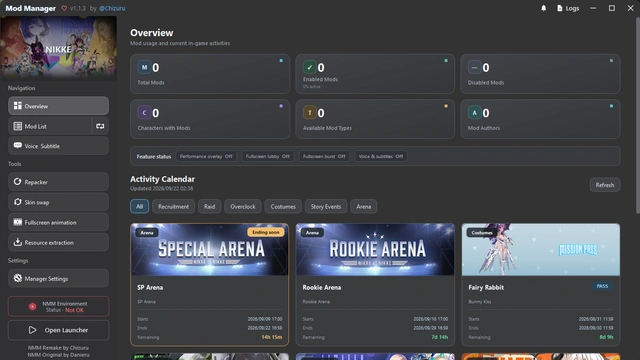
🔥 Chizuru's NMM
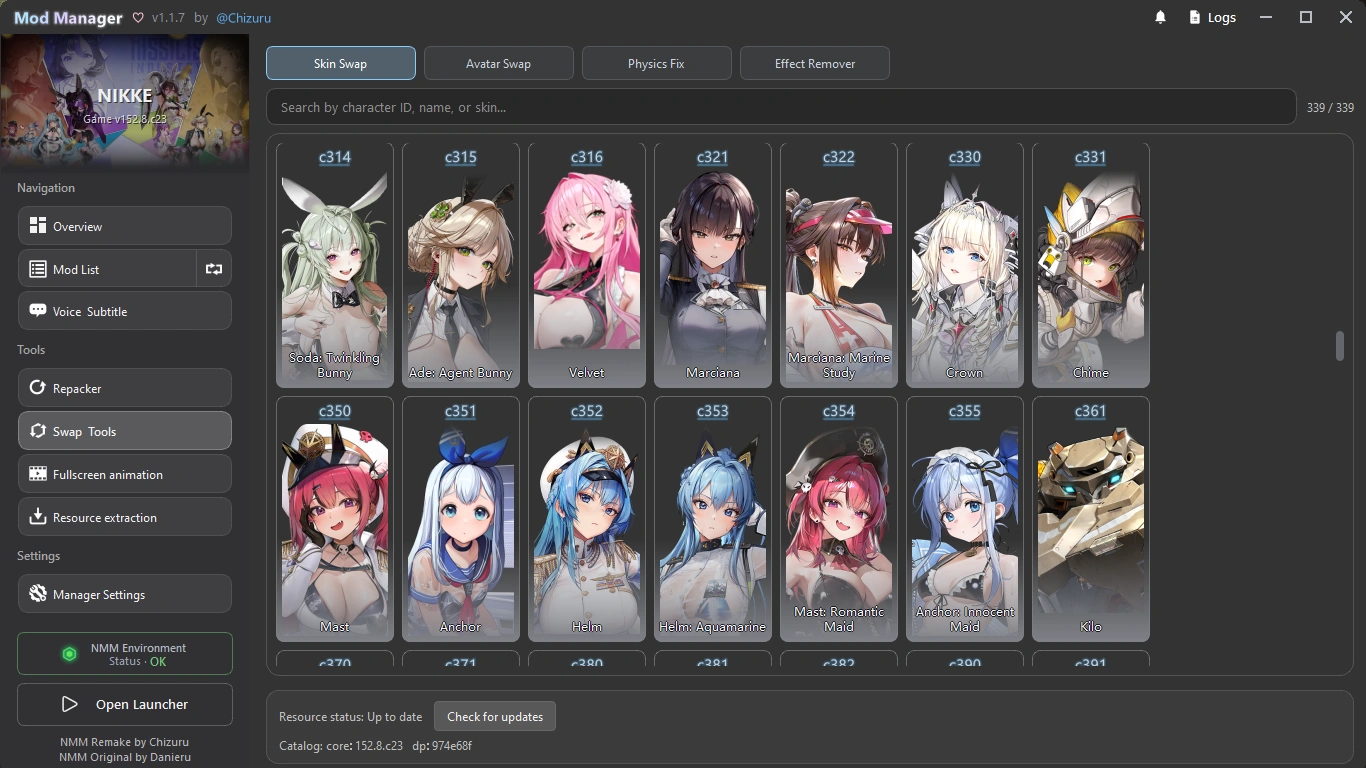
The latest variant created by Chizuru: it has all the functions from the og NMM plus some functions similar to Na0h's NMM, and it includes a repacker and a skin swapper as well besides a nice GUI. This NMM uses Danieru server to apply mods and it's free.
Aesthetic📊 Comparison
Compare the features available across all NIKKE Mod Manager variants.
IMPORTANT: to be able to apply some type of mods with Na0h's NMM you need access to Na0h server,
for that you need a key, and only Patreon supporters can get a new personal key.
That's why even if Na0h's NMM free variant can apply the same type of mods than NMM paid variant, you will not be able to apply them without a new personal key.
So basically with Na0h's NMM free variant you only have access to Danieru server, hence limited support to apply all type of mods.
| Features | Na0h's NMM Free | Na0h's NMM (SWAP) Paid |
Na0h's NMM (NO SWAP) Paid |
Chizuru's NMM Free | Danieru's NMM Free |
|---|---|---|---|---|---|
| Apply Characters Lobby/Burst Mods | |||||
| Apply Aim/Cover/Standing Mods | |||||
| Mods Viewer / Preview | |||||
| Mods List Presets | |||||
| Danieru Server | |||||
| Apply Portrait Mods | |||||
| Apply Special Mods | |||||
| Apply Event Lobby Mods | |||||
| Apply Favorite Item Mods | |||||
| Apply Icons Mods | |||||
| Desktop Viewer | |||||
| Clear Old Catalogs | |||||
| Apply 3Dmigoto Mods | |||||
| Na0h Server | |||||
| Built-in Skin Swapper | |||||
| Built-in Portrait Swapper | |||||
| Built-in Icons Swapper | |||||
| Built-in Repacker | |||||
| Built-in Physics Fixer | |||||
| Built-in Effects Remover | |||||
| Apply Chibi Mods | |||||
| Apply Voice Swap Mods | |||||
| Apply TittleScreen Music Swap Mods | |||||
| Apply Wide-Screen Lobby Wallpaper | |||||
| Apply Mods Offline |
🔥 Na0h's NMM
The mod manager with most of new features like support for mods with 3Dmigoto, swapping functions, mod viewer, and more. There are two available versions: a free public version you can download from his discord server for free mods, and a paid version for supporters you can get after you subscribe to Na0h on Patreon. The paid version comes with all the features fully unlocked while the free version includes most of basic functions.
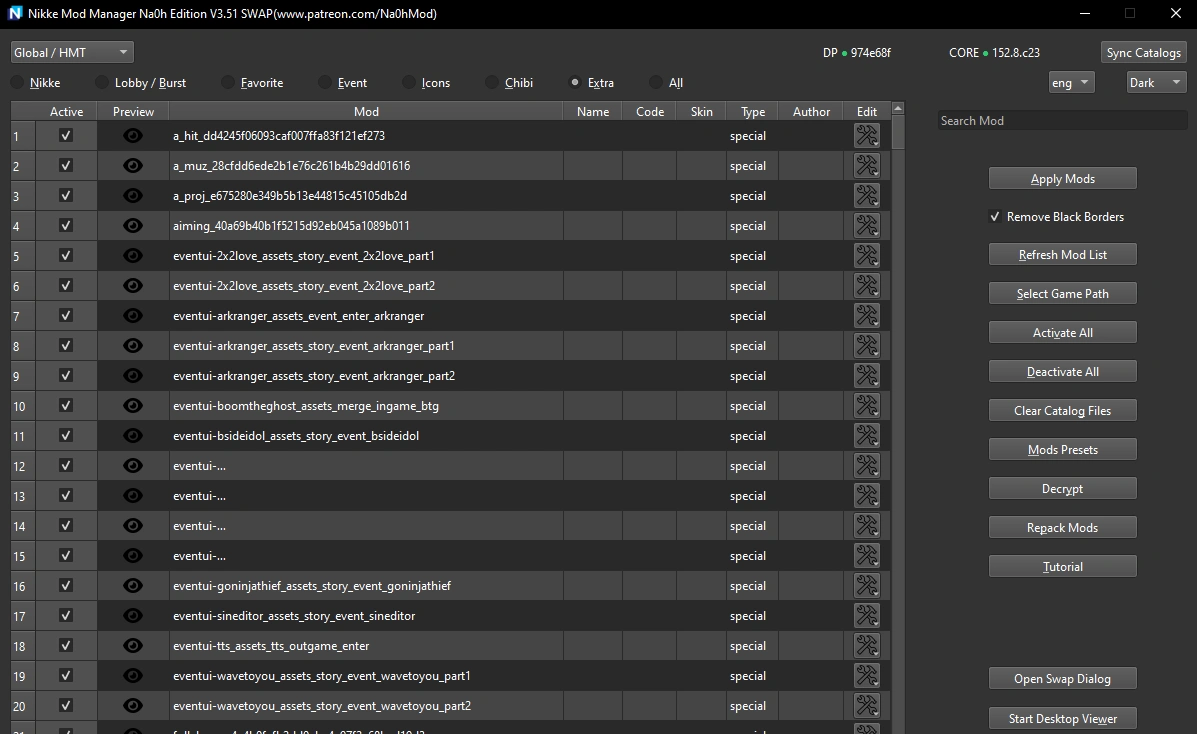
🔥 Chizuru's NMM
This mod manager also has swapping functions (you can swap skins and characters), besides a repacker and it can apply all type of mods. It's free and you can download it from Chizuru discord server.
The way to setup this manager is the same than the other ones:
1. Open the mod manager as Admin.
2. Click on Choose Game Path.
3. Navigate to your nikke.exe path (...\NIKKE\NIKKE\game\nikke.exe) and select it.
4. Put your mods in the corresponding subfolders from the folder mods.
5. Select the mods you want to apply from your mods list and click Apply Mods.
6. Wait for them to finish to be applied and then launch your game. You can close NMM after this.
You only need to do the steps described above the first time you run NMM, so next time you launch NMM just follow the steps 4+5+6.
🔥 Danieru's NMM
The original mod manager created by Danieru with all the original basic functions.
The way to setup this manager is:
1. Open the mod manager as Admin.
2. Click on Patch Game.
3. Navigate to your nikke.exe path (...\NIKKE\NIKKE\game\nikke.exe) and select it.
4. Put your mods in the folder mods.
5. Select the mods you want to apply from your mods list and click Apply Mods.
6. Wait for them to finish to be applied and then launch your game. You can close NMM after this.
You only need to do the steps described above the first time you run NMM, so next time you launch NMM just follow the steps 4+5+6.
For common issues with this NMM you can refer to troubleshooting guide on NIKKE Wiki.
✨ New Variants
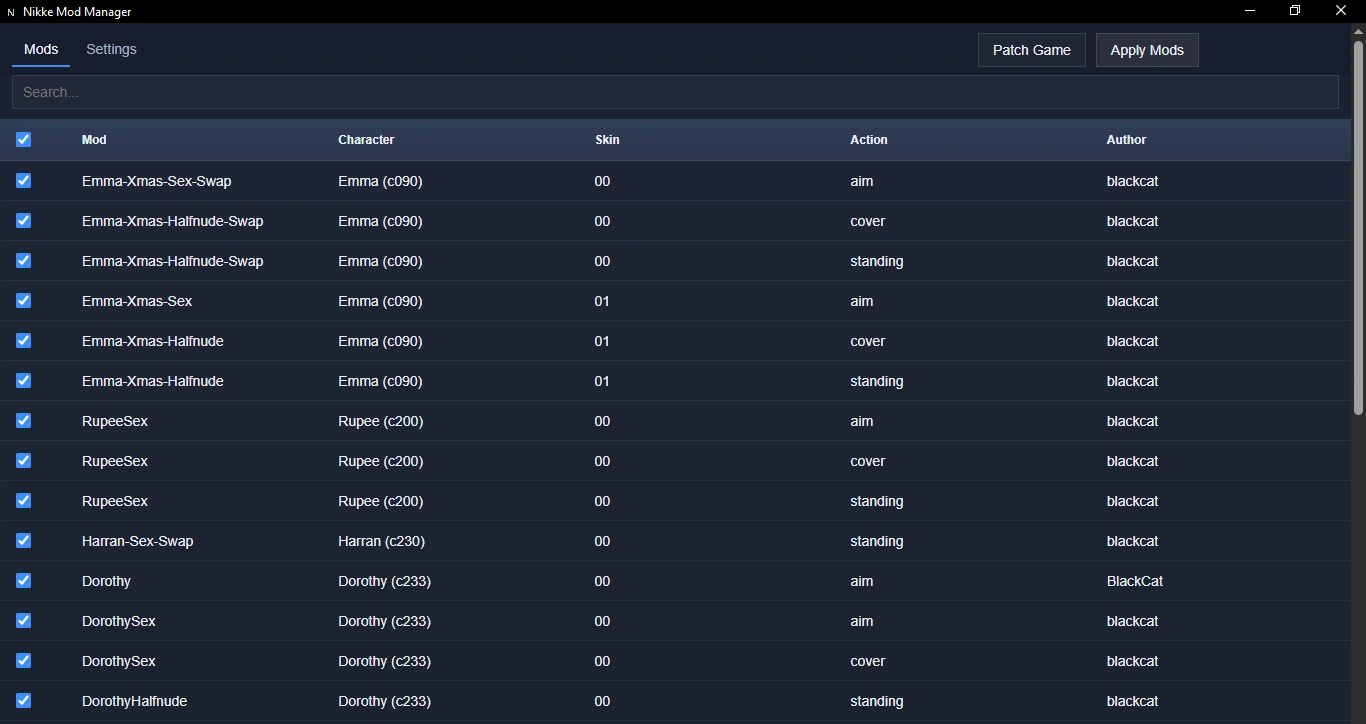
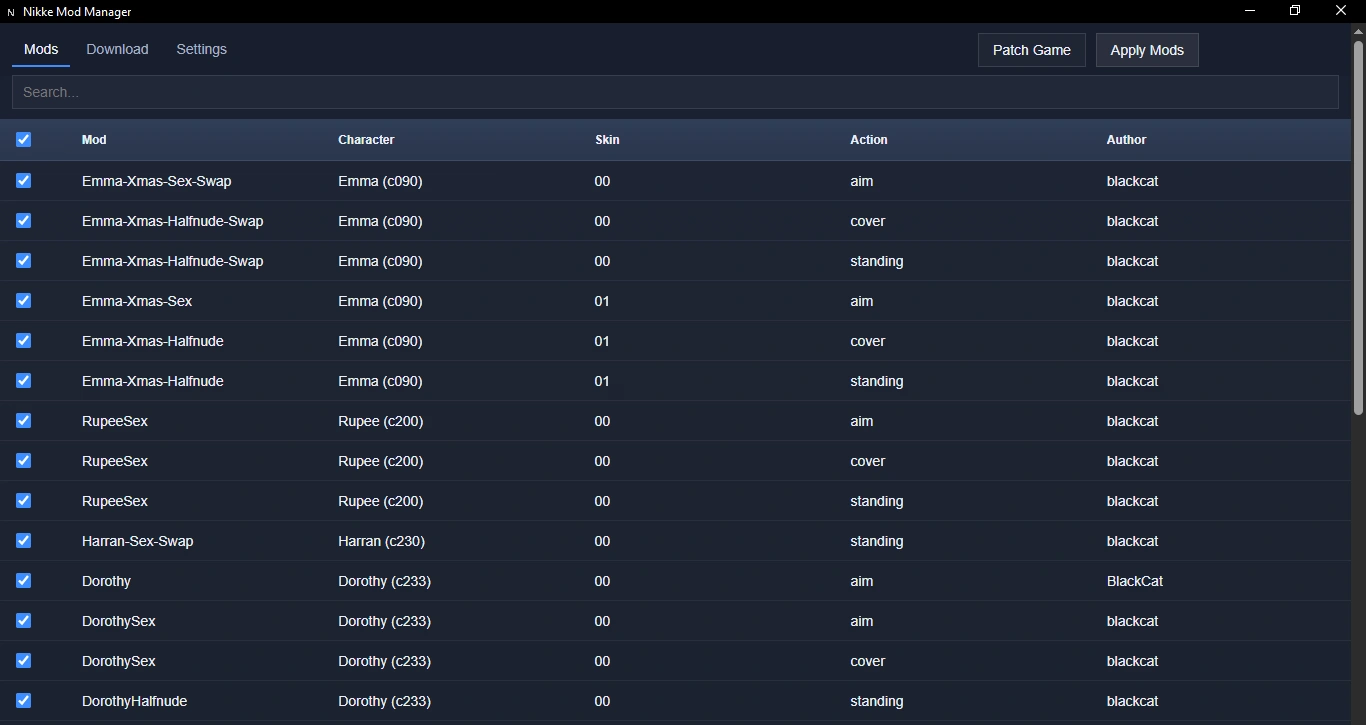
There are two new variants you can try if you want. Version 0.5 and 0.5.1 have a new GUI, and version 0.5.1 includes a bundle downloader to download some game files from NIKKE servers.
❤️ Credits
➤ File Finder website by a1teri.
➤ NIKKE Wiki website by Lady.
➤ Original NMM by Danieru, Falzar, seireiko and Bingle.
➤ Na0h's NMM by Na0h.
➤ Chizuru's NMM by Chizuru.