NIKKE Mod Dock
MrSkinnyMan Mod Dock for NIKKE: Goddess of Victory on Android · Version 0.2.13
Introduction
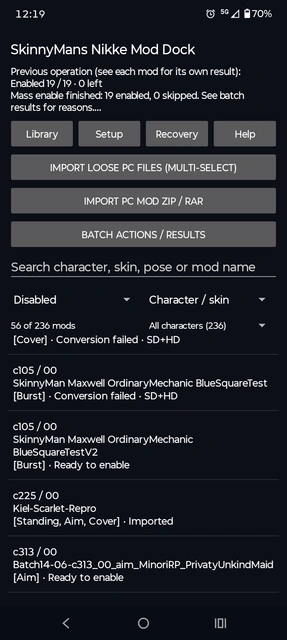
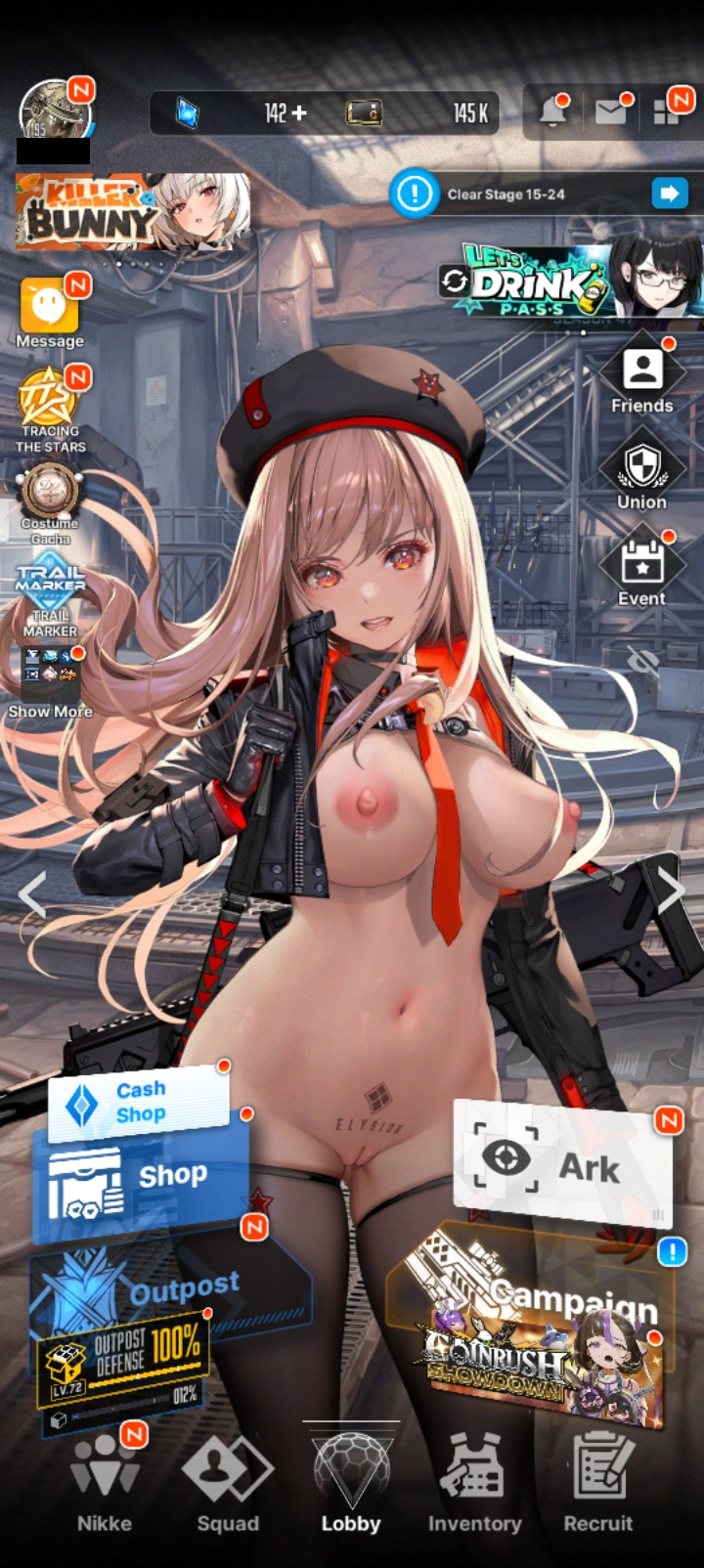
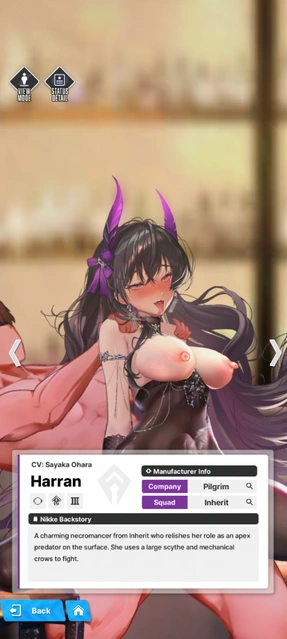
SkinnyMan's Nikke Mod Dock is an independent Android app for importing, converting, enabling, and managing compatible NIKKE cosmetic mods. It brings supported PC mod files onto Android through a simple Import → Convert → Enable workflow, with individual and bulk controls for larger mod collections.
The app uses Shizuku for protected game-file access. Conversion and mod management happen on the phone, and the app works with NIKKE's downloaded game data without modifying the installed NIKKE APK.
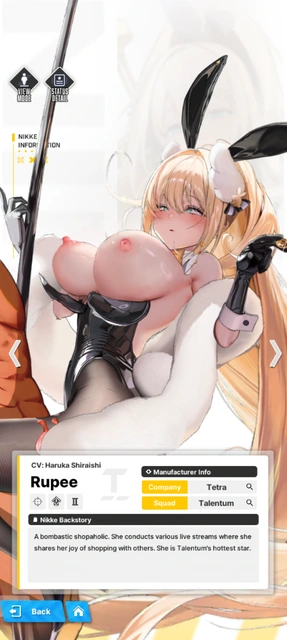
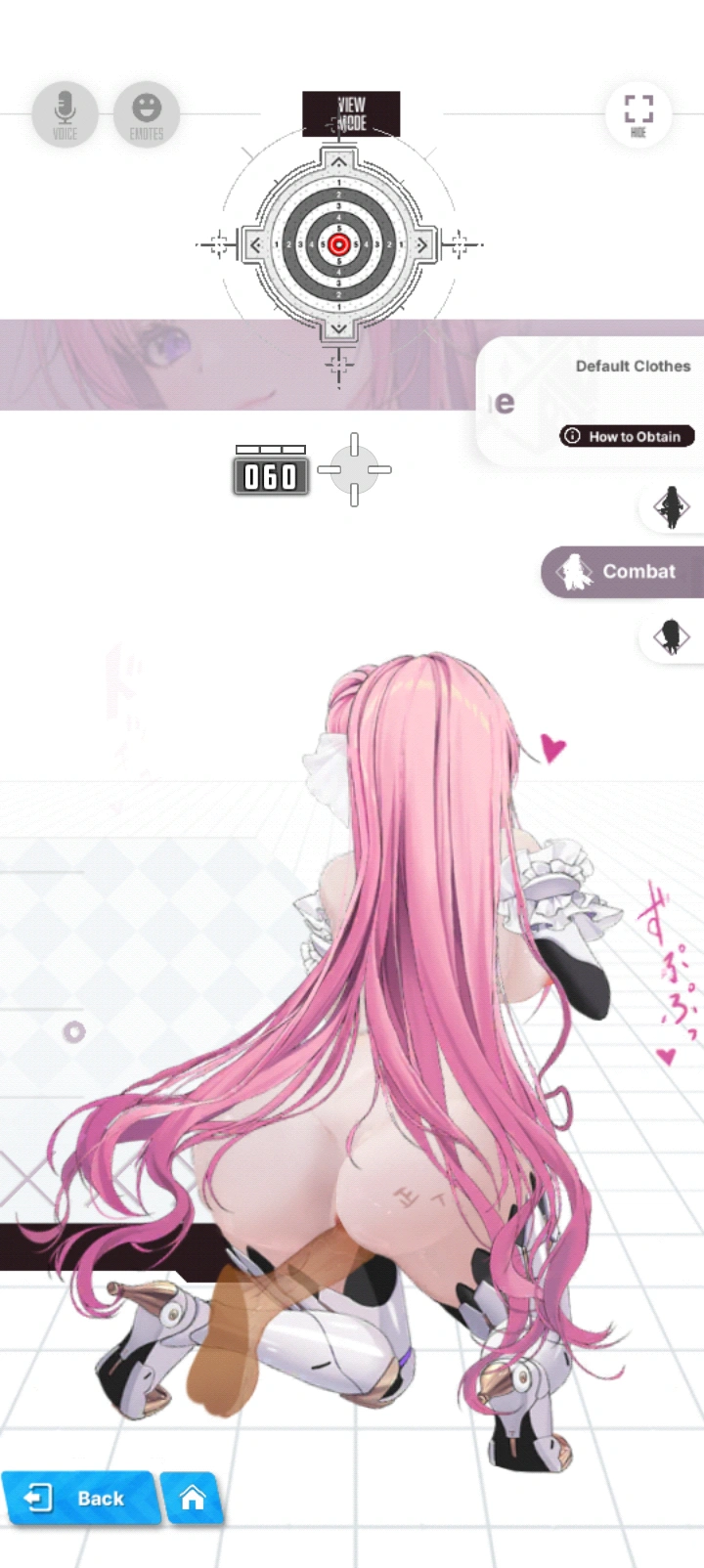
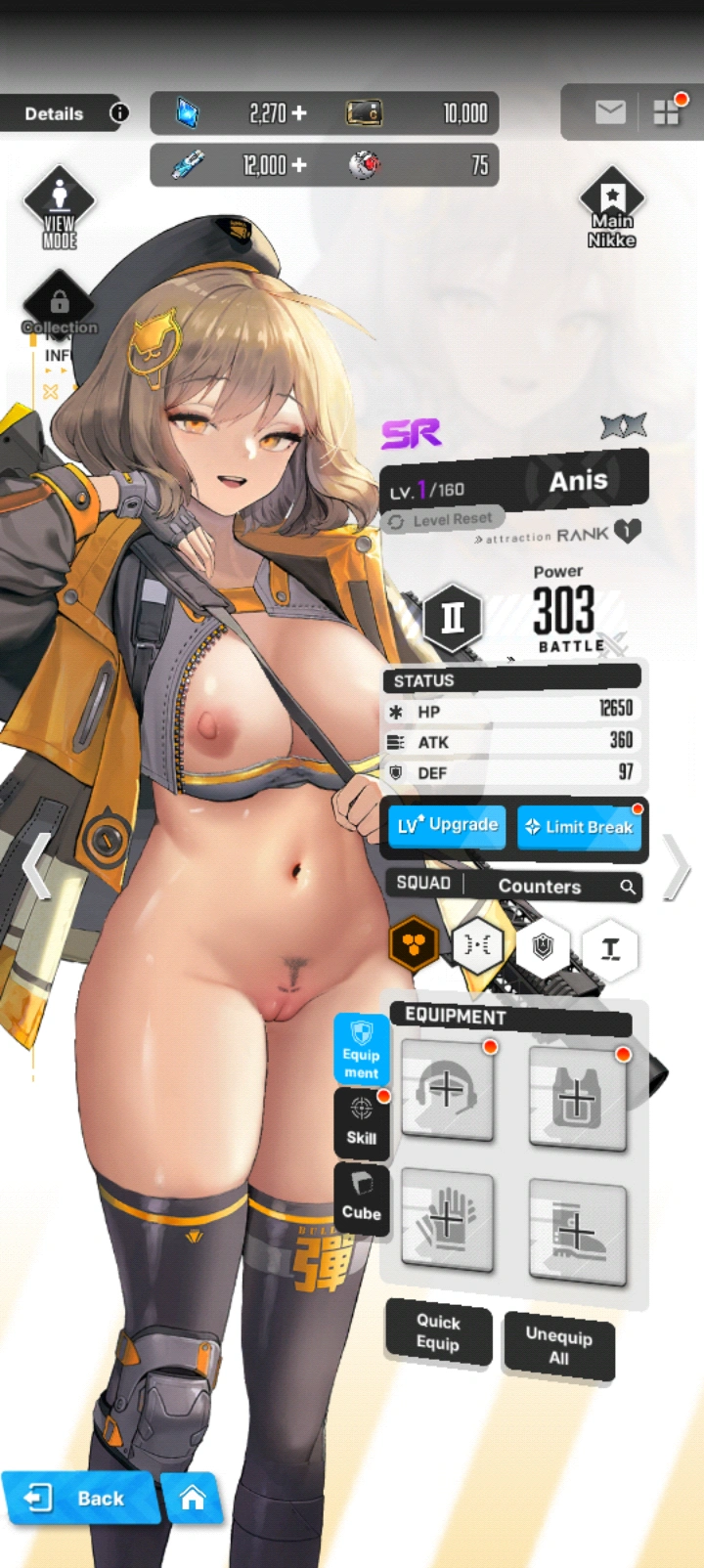
✨ Features
The current APK includes the following features:
Import PC Mods Directly
Import ZIP or RAR archives, or select multiple loose PC mod files. The app identifies compatible character, costume, and pose files and organizes them into library entries, including separate icon and burst entries where needed.
Simple Convert and Enable
Open a mod, press Convert, then press Enable. Texture preparation, compatible skeleton conversion, resource placement, and integrity checks happen automatically. Passing conversions don't require separate texture approval or manual compression settings.
Standing, Aim and Cover Support
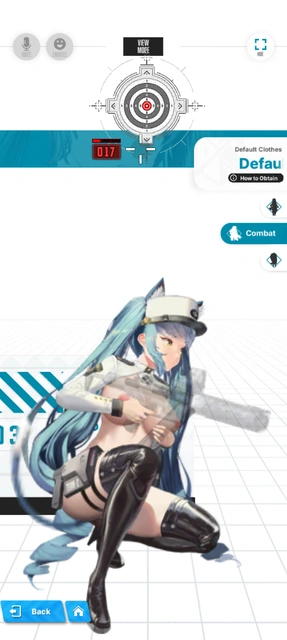
Convert and install compatible character mods for lobby/standing poses, shooting/aim poses, and cover poses — including their supported Spine animation data.
Character Icon Support
Import, convert, enable, and disable compatible character portrait/icon mods. Icons also work with the bulk controls.
Compatible Burst Mod Support
Convert and install supported burst graphics and compatible assets while preserving the Android game's existing animation structure. The app checks the installed game runtime before allowing burst conversion or installation.
Bulk Conversion
Select multiple mods and convert them in one queue. Progress shows completed attempts, successful conversions, failures, and how many remain.
Mass Enable and Disable
Enable or restore selected mods together, with selection counts, progress tracking, and individual results. Use filters to target a particular character, pose, icons, bursts, or mod state.
Mass Remove from Library
Remove selected inactive mods, including their imported copies and completed converted files. Active or pending mods must be restored first. Original downloads, restore points, and device metadata are retained.
Searchable Mod Library
Search by character, costume, pose, or mod name. Filter by All, Favorites, Standing, Aim, Cover, Enabled, Converted, Recovery Needed, Disabled, Icons, or Burst. Sort by character/costume, newest first, or name.
Mod Details and Available Previews
View each mod's character, costume, included poses, source-file count, current state, recorded failures, and available preview image. Favorite mods for easier access.
Saved Batch Results and Resume Controls
Review individual successes, failures, and skips, copy result pages, and resume unfinished work while skipping completed items and rechecking the required conditions.
Background Jobs with Notifications
Import and conversion queues, Enable, and Disable use background jobs with progress reporting. NIKKE must remain closed during protected mod operations.
🛠️ Setup
Setup is performed once before normal use:
- Start Shizuku and allow Mod Dock access in Setup.
- Finish downloading NIKKE's required game resources, then close NIKKE.
- Prepare device metadata in Setup.
- Choose an external restore-point folder in Recovery.
- Import a mod, press Convert, then press Enable.
♻️ Backup & Recovery
Backup and recovery are built into the installation process. Before Enable changes game data, the app creates a restore point, saves it in the external backup folder you selected, and verifies that saved backup. It then checks the installed result. Disable restores the original game data before removing the mod's managed texture files.
The Recovery tab lets you:
- Browse and restore individual restore points.
- Restore all compatible Mod Dock changes.
- Recover interrupted operations.
- Import saved restore-point ZIPs.
- Export device metadata for troubleshooting.
- Clear marked unused import copies.
🔄 Updates & Compatibility
NIKKE update detection and guidance are included. The app notices changes to the installed game and provides a read-only resource check.
After an update, the usual process is:
- Finish NIKKE's download.
- Close the game.
- Press Check NIKKE update.
- Prepare fresh device metadata.
- Convert / Enable affected compatible mods.
Compatibility still depends on the individual mod and the current game resources. Only one competing replacement can occupy the same character / costume / pose slot at a time.
Burst support currently preserves the existing Android animation structure — arbitrary replacement Unity animation clips or substantially different cutscene structures are outside that supported path. The app stops incompatible operations and provides a Why it failed / available fixes explanation.
💬 Help
The interface supports English, Simplified Chinese, Korean, and Japanese. Help includes setup and troubleshooting instructions, a copyable bug-report template, third-party notices, and these community links:
An optional support popup appears on the first launch and then every seven launches. It can be dismissed. Bug reports are submitted manually.
💖 Support
If you like this project, consider supporting SkinnyManStudios. Your support helps to keep the app updated, maintained, and free for everyone.
SkinnyManStudios: Please enjoy using my app. And give me money, I want it. 😄